
jq is like sed for JSON data
The Surgeon for JSON Data

In the modern world of cloud computing and APIs, JSON (JavaScript Object Notation) is the universal language. Every time you query a web service, check a cloud configuration, or look at a log file, you are likely staring at a massive, unreadable wall of text formatted as JSON.
jq is the command-line tool that lets you slice, filter, map, and transform that structured data effortlessly.
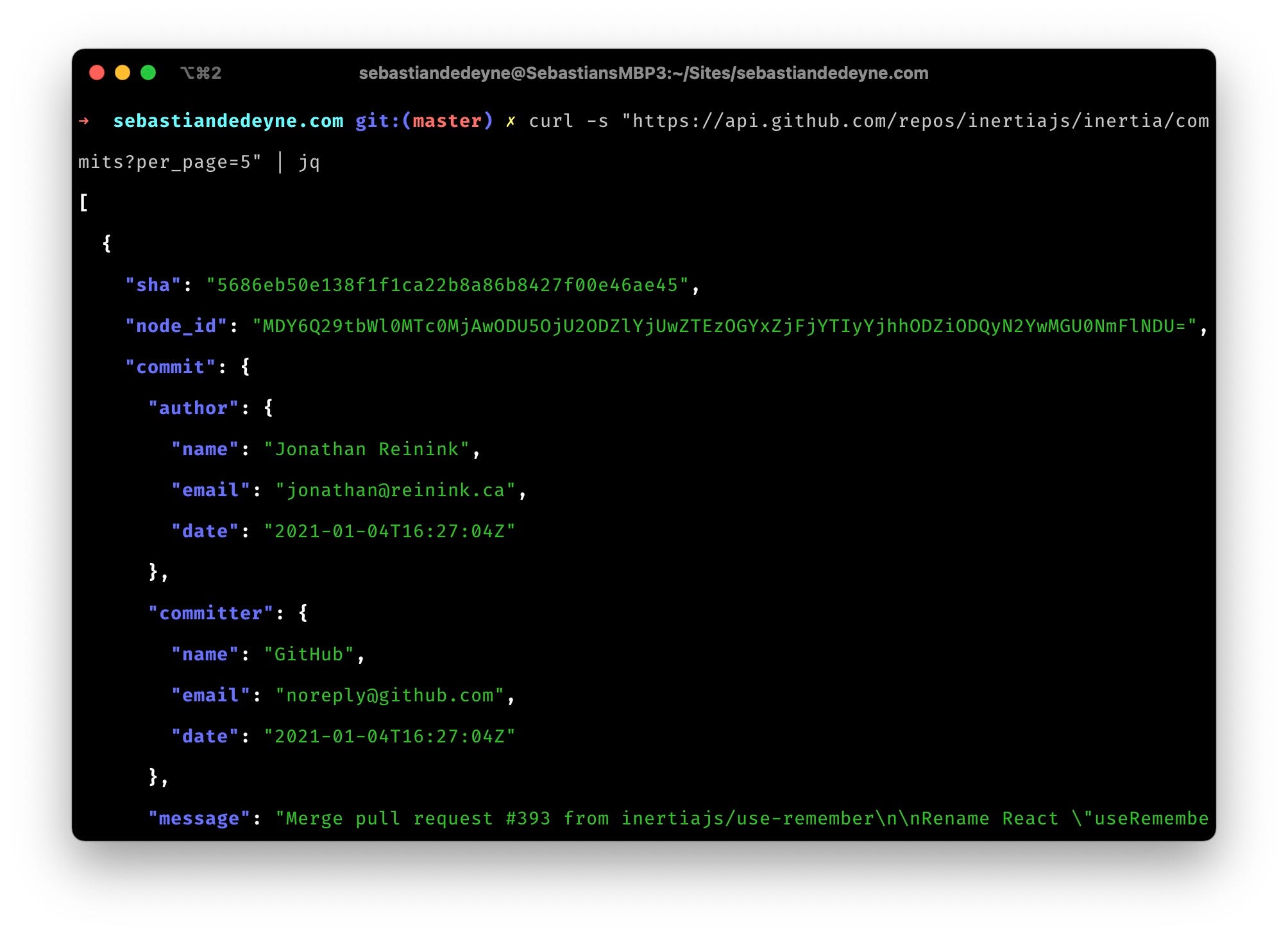
It is often described as the sed or awk of 2026—a tool that allows you to manipulate data streams on the fly, but specifically built to understand the nested structure of JSON objects.
What is jq?
jq is a lightweight and flexible command-line JSON processor.
When you run a command like curl to fetch data, you often get back a dense “blob” of text where keys and values are packed together to save space. jq takes that blob, parses it, and allows you to query specific pieces of information, just like you would query a database.
The Most Common Use. “Pretty Printing”
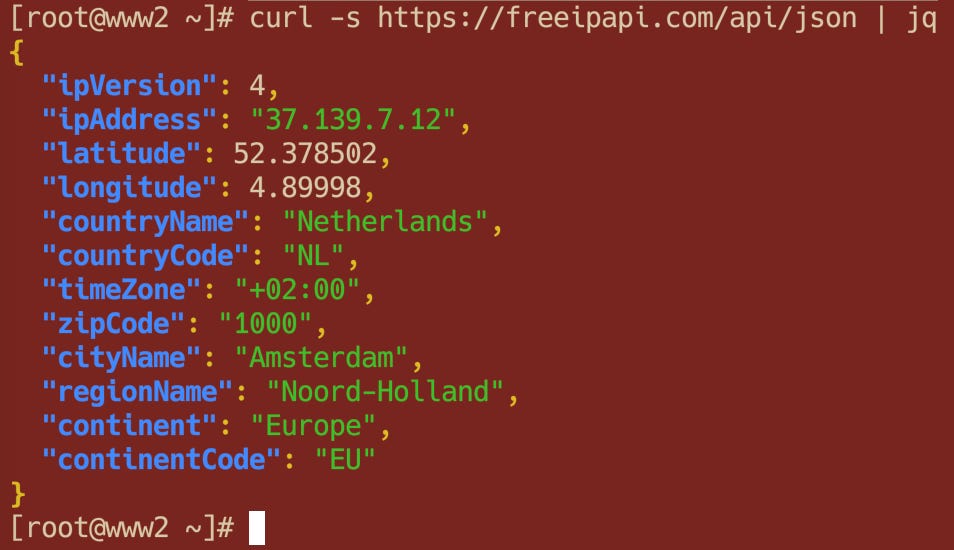
The first thing most people use jq for is simply making data readable.
If you cat a JSON file, it might look like this:
{"status":"ok","data":[{"id":1,"name":"Alice"},{"id":2,"name":"Bob"}]}
By piping it into jq with the simplest filter (a single dot .), it expands the text into a readable format with colors and indentation.
cat data.json | jq '.'Output:
{
  "status": "ok",
  "data": [
    {
      "id": 1,
      "name": "Alice"
    },
    {
      "id": 2,
      "name": "Bob"
    }
  ]
}
𝐋𝐞𝐚𝐫𝐧 𝐭𝐨 𝐛𝐮𝐢𝐥𝐝 𝐆𝐢𝐭, 𝐃𝐨𝐜𝐤𝐞𝐫, 𝐑𝐞𝐝𝐢𝐬, 𝐇𝐓𝐓𝐏 𝐬𝐞𝐫𝐯𝐞𝐫𝐬, 𝐚𝐧𝐝 𝐜𝐨𝐦𝐩𝐢𝐥𝐞𝐫𝐬, 𝐟𝐫𝐨𝐦 𝐬𝐜𝐫𝐚𝐭𝐜𝐡. Get 40% OFF CodeCrafters: https://app.codecrafters.io/join?via=the-coding-gopher
Extracting Data
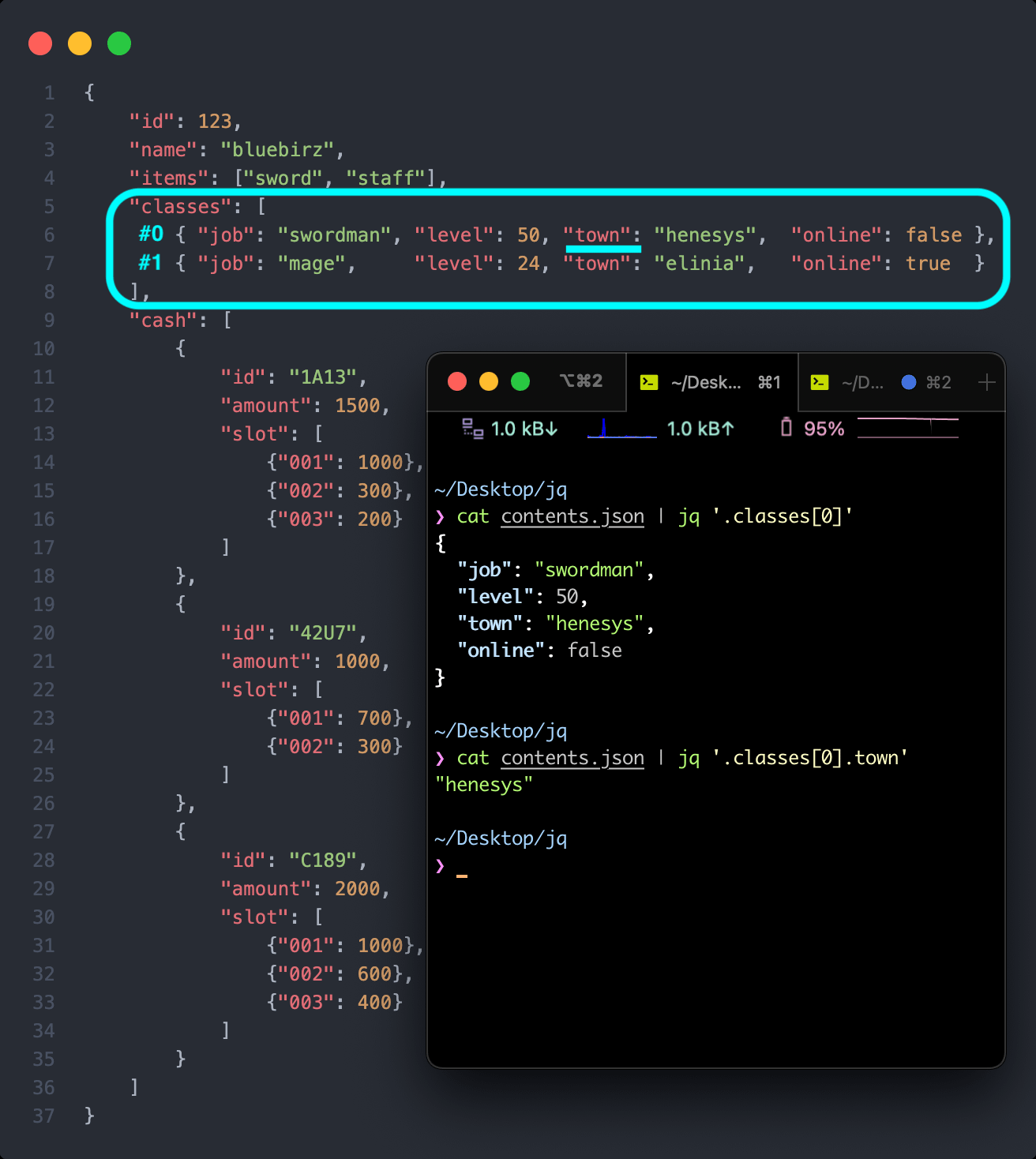
Once the data is readable, you rarely want all of it. You want specific answers. jq uses a syntax of filters to traverse the data tree.
.field(The Identifier):To get the value of a specific key, just type a dot followed by the key name.
echo '{"name": "Alice", "age": 30}' | jq '.name'
# Output: "Alice".[](The Array Iterator):If your data is inside a list (array), you need to “unpack” the box. The empty brackets
[]telljqto iterate over every item in the array.
echo '[1, 2, 3]' | jq '.[]'
# Output:
# 1
# 2
# 3|(The Pipe):Just like in Linux, you can pipe data inside
jq. This allows you to drill down step-by-step.Step 1: Go into the
.datafield.Step 2: Unpack the array.
Step 3: Grab the
.namefrom each item.
# Using the example from the first section:
cat data.json | jq '.data | .[] | .name'
# Output:
# "Alice"
# "Bob"
Advanced Power! Constructing New Objects
This is where jq becomes a programming language. You can reshape the data entirely.
Imagine you have a complex object with 50 fields, but you only want a simple list showing the ID and the Name for a report. You can build a new JSON object on the fly:
cat data.json | jq '.data | .[] | {user_id: .id, user_name: .name}'Output:
{
  "user_id": 1,
  "user_name": "Alice"
}
{
  "user_id": 2,
  "user_name": "Bob"
}
You just transformed the API response into exactly the format you needed.
Conclusion
jq turns the command line into a legitimate data science environment. It removes the need to write Python or Node.js scripts just to extract a few values from an API response. If you are working with the cloud, containers, or web development, jq is the tool that lets you see through the noise.