
The Art of Connection: Mastering SQL Joins
Visualizing how databases link data across tables to form a complete picture

Understanding SQL Joins
In a relational database, data is split into multiple tables to reduce redundancy (Normalization). Joins are the mechanism used to reconstruct that data by linking rows from two or more tables based on a related column.
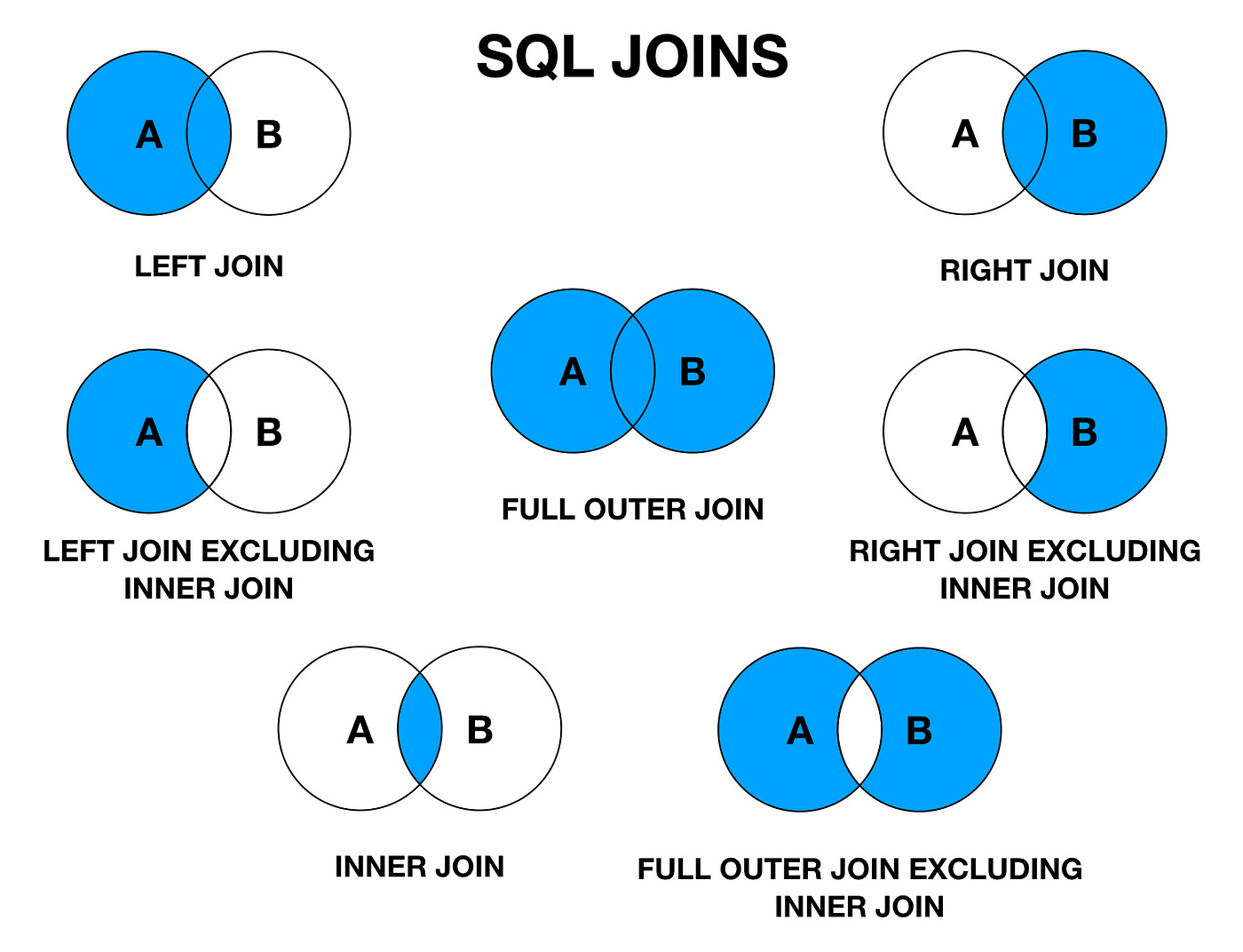
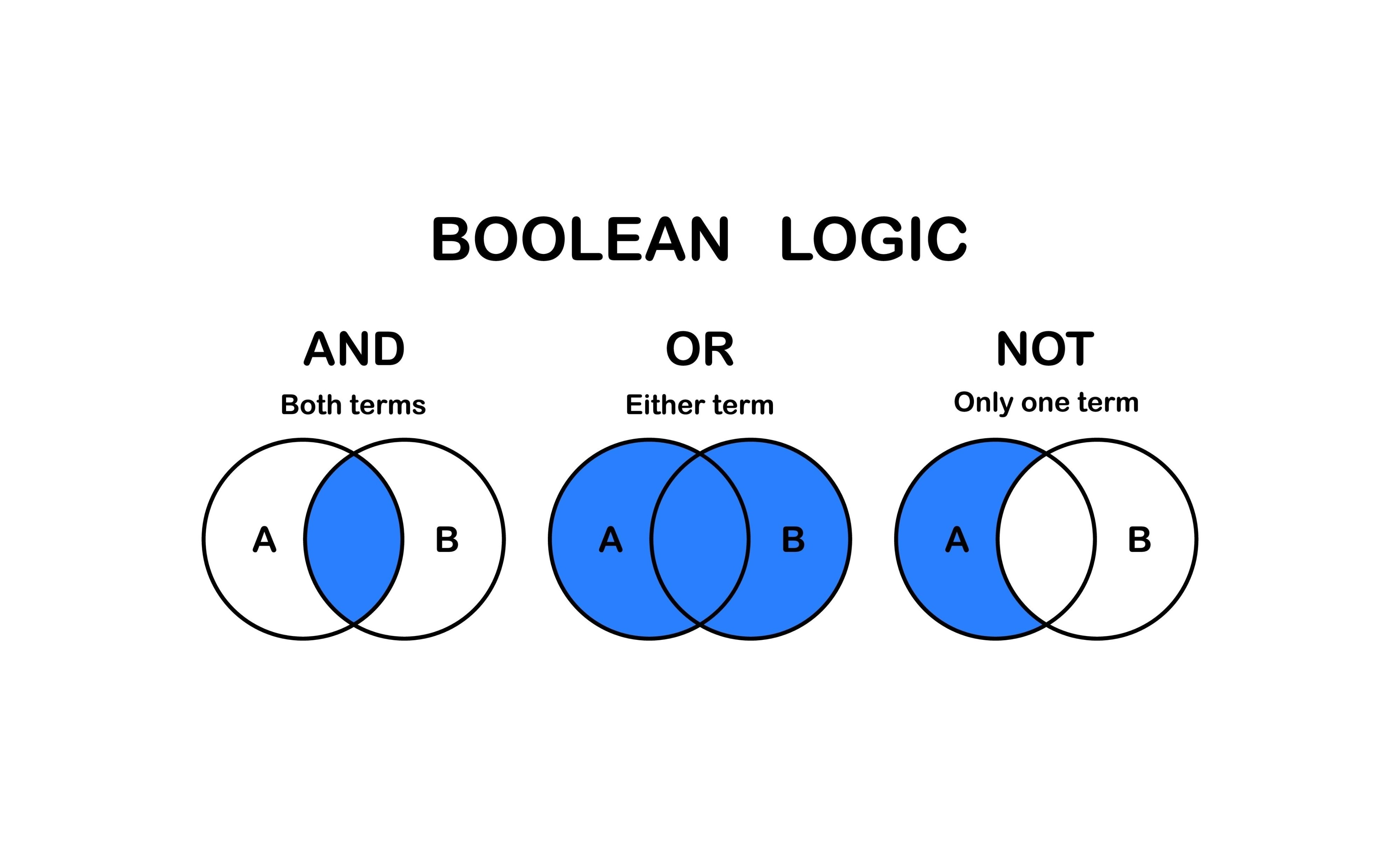
To understand joins, visualize two circles: Table A (Left) and Table B (Right). The area where they overlap represents the rows that match in both tables.
The Setup: Example Data
Imagine we have two tables: Customers and Orders.
Table A: Customers (ID, Name)
1, Alice
2, Bob
3, Charlie (Has no orders)
Table B: Orders (OrderID, Amount, Customer_ID)
101, $50, 1 (Alice)
102, $30, 2 (Bob)
103, $20, 99 (Walk-in customer, not in Customer table)
1. INNER JOIN (The Intersection)
This is the most common join. It returns records that have matching values in both tables.
Logic: “Show me customers who actually placed an order.”
Result: Alice and Bob.
Excluded: Charlie (no order) and the Walk-in order (no customer record).
SELECT Customers.Name, Orders.Amount
FROM Customers
INNER JOIN Orders ON Customers.ID = Orders.Customer_ID;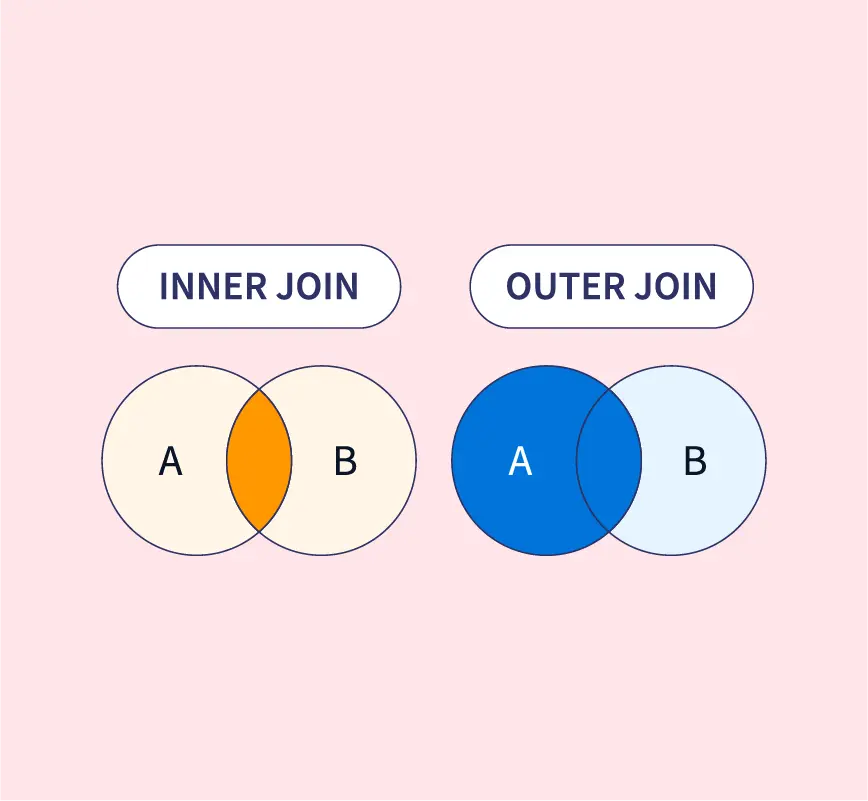
2. LEFT (OUTER) JOIN (The Priority List)
This returns all records from the left table (Table A), and the matched records from the right table (Table B). If there is no match, the result is NULL on the right side.
Logic: “Show me all customers, and their orders if they have any.”
Result:
Alice ($50)
Bob ($30)
Charlie (NULL) -> Crucial distinction: Charlie is included.
Excluded: The Walk-in order (Customer 99).
SELECT Customers.Name, Orders.Amount
FROM Customers
LEFT JOIN Orders ON Customers.ID = Orders.Customer_ID; 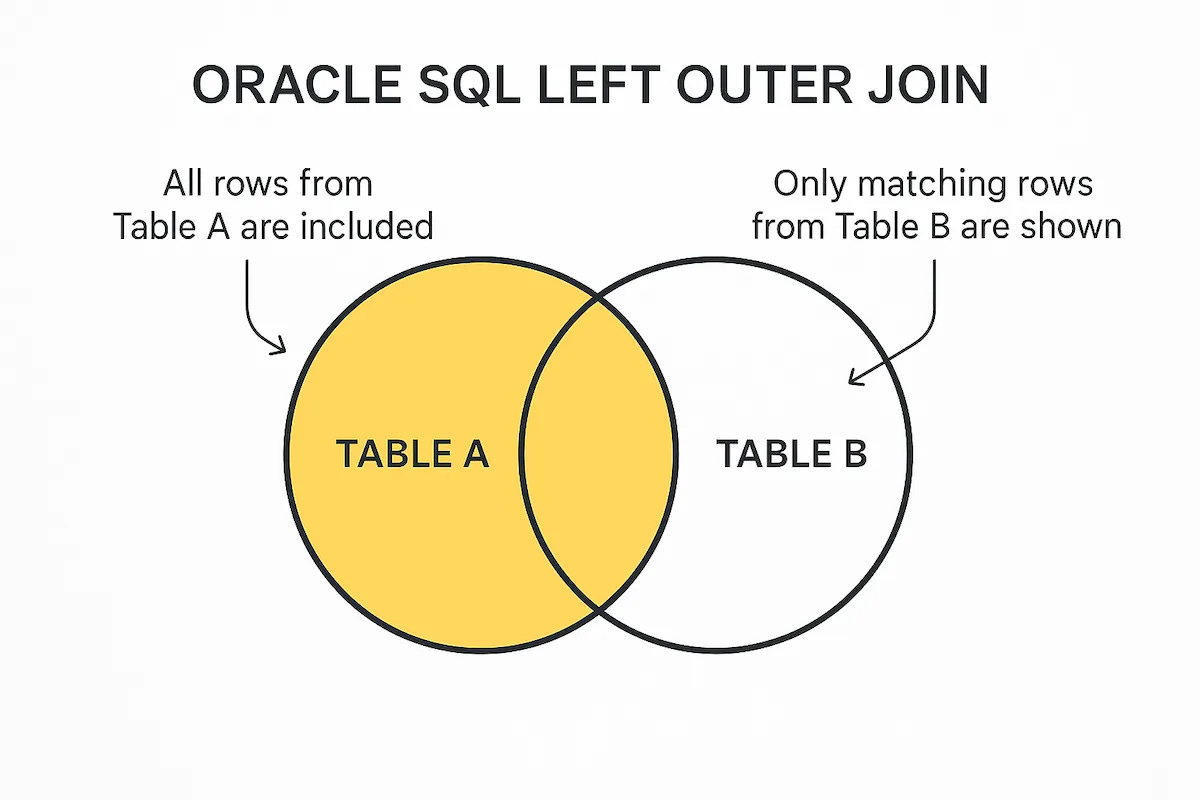
3. RIGHT (OUTER) JOIN (The Reverse Priority)
This is the exact opposite of a Left Join. It returns all records from the right table (Table B), and the matched records from the left table (Table A).
Logic: “Show me all orders, and the customer name if we have it.”
Result:
Alice ($50)
Bob ($30)
NULL ($20) -> The Walk-in order is included, but Name is NULL.
Excluded: Charlie.
Note: Right Joins are rarely used in practice because you can achieve the same result by just swapping the tables and using a Left Join.
SELECT Customers.Name, Orders.Amount
FROM Customers
RIGHT JOIN Orders ON Customers.ID = Orders.Customer_ID;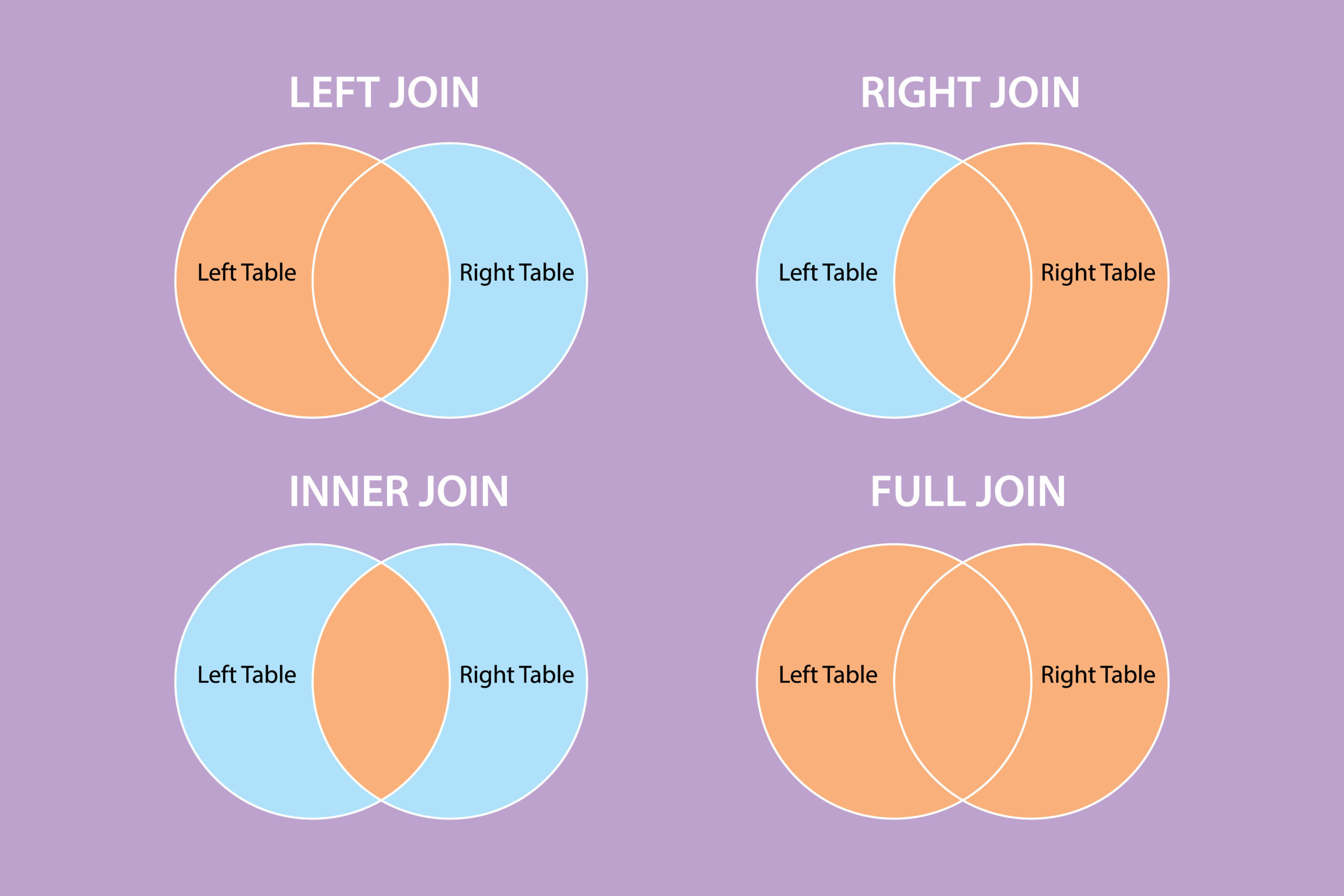
𝐋𝐞𝐚𝐫𝐧 𝐭𝐨 𝐛𝐮𝐢𝐥𝐝 𝐆𝐢𝐭, 𝐃𝐨𝐜𝐤𝐞𝐫, 𝐑𝐞𝐝𝐢𝐬, 𝐇𝐓𝐓𝐏 𝐬𝐞𝐫𝐯𝐞𝐫𝐬, 𝐚𝐧𝐝 𝐜𝐨𝐦𝐩𝐢𝐥𝐞𝐫𝐬, 𝐟𝐫𝐨𝐦 𝐬𝐜𝐫𝐚𝐭𝐜𝐡. Get 40% OFF CodeCrafters: https://app.codecrafters.io/join?via=the-coding-gopher
