
The Top 5 Nastiest Code Smells
The Developer’s Guide to Clean Code

In software engineering, a “code smell” is a surface-level indicator that usually corresponds to a deeper problem in the system. While the code might technically work, these smells suggest that the architecture is decaying, making it harder to maintain and prone to bugs down the line.
Learning to spot these smells—and knowing how to refactor them—is the difference between a junior developer and a seasoned engineer. Here is a deep dive into the top five code smells with practical “Wrong vs. Right” examples.
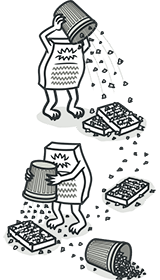
1. The Long Method
A method should be like a well-written paragraph: focused on a single idea. When a method grows too long, it’s usually because it is trying to handle multiple responsibilities at once.
The Smell: You have to scroll significantly to see the start and end of a function, or you feel the need to add comments like // Step 1: Validation to explain what’s happening.
The Wrong Way
function processOrder(order) {
  // Validation logic
  if (!order.items || order.items.length === 0) {
    throw new Error("Invalid order");
  }

  // Calculation logic
  let total = 0;
  for (let item of order.items) {
    total += item.price * item.quantity;
  }

  // Database logic
  database.save('orders', { ...order, total });

  // Notification logic
  emailService.send(order.customerEmail, "Order Confirmed", `Total: ${total}`);
}
The Right Way (Refactoring: Extract Method)
function processOrder(order) {
  validateOrder(order);
  const total = calculateTotal(order);
  saveToDatabase(order, total);
  notifyCustomer(order, total);
}

// Sub-methods handle the details...
const calculateTotal = (order) => order.items.reduce((sum, i) => sum + (i.price * i.quantity), 0);
2. Large Class (The God Object)
When a class knows too much or does too much, it becomes a “God Object.” This violates the Single Responsibility Principle (SRP).
The Smell: A single file contains thousands of lines of code and handles unrelated tasks, such as managing user data, sending network requests, and formatting dates.
The Wrong Way
class UserAccount {
  name: string;
  email: string;

  updateProfile() { /* ... */ }
  authenticate() { /* ... */ }
  sendEmailNotification() { /* ... */ }
  generateUsageReportPDF() { /* ... */ }
  calculateBillingCycles() { /* ... */ }
}
The Right Way (Refactoring: Extract Class)
class UserAccount {
  name: string;
  email: string;
}

class AuthService {
  authenticate(user: UserAccount) { /* ... */ }
}

class ReportGenerator {
  generatePDF(user: UserAccount) { /* ... */ }
}
3. Primitive Obsession
This occurs when you rely on basic data types (strings, integers, floats) to represent complex concepts that have their own validation rules.
The Smell: You find yourself writing the same if statements to validate an email, a phone number, or a currency amount in multiple places.
The Wrong Way
def process_payment(amount: float, currency: str):
    if amount < 0:
        raise ValueError("Amount cannot be negative")
    # Logic continues...
The Right Way (Refactoring: Replace Data Value with Object)
class Money:
    def __init__(self, amount: float, currency: str):
        if amount < 0:
            raise ValueError("Amount cannot be negative")
        self.amount = amount
        self.currency = currency

def process_payment(price: Money):
    # Logic is cleaner because 'price' is already validated
    pass
𝐋𝐞𝐚𝐫𝐧 𝐭𝐨 𝐛𝐮𝐢𝐥𝐝 𝐆𝐢𝐭, 𝐃𝐨𝐜𝐤𝐞𝐫, 𝐑𝐞𝐝𝐢𝐬, 𝐇𝐓𝐓𝐏 𝐬𝐞𝐫𝐯𝐞𝐫𝐬, 𝐚𝐧𝐝 𝐜𝐨𝐦𝐩𝐢𝐥𝐞𝐫𝐬, 𝐟𝐫𝐨𝐦 𝐬𝐜𝐫𝐚𝐭𝐜𝐡. Get 40% OFF CodeCrafters: https://app.codecrafters.io/join?via=the-coding-gopher
4. Data Clumps
Sometimes, different parts of the code keep using the same group of variables together. These variables are “clumped” and should be treated as a single unit.
The Smell: You see a group of parameters (like startDate, endDate, timezone) appearing together in multiple function signatures.
The Wrong Way
public void CreateReservation(DateTime start, DateTime end, string roomType) { ... }
public void CheckAvailability(DateTime start, DateTime end, string roomType) { ... }
The Right Way (Refactoring: Introduce Parameter Object)
public record BookingRange(DateTime Start, DateTime End, string RoomType);

public void CreateReservation(BookingRange range) { ... }
public void CheckAvailability(BookingRange range) { ... }
5. Shotgun Surgery
Shotgun Surgery is the opposite of the “Large Class.” It’s when a single responsibility is scattered across many classes.
The Smell: Whenever you want to make a small change (like changing the tax rate logic), you have to find and edit 10 different files. If you forget one, the system breaks.
The Wrong Way: Logic Scattered
In this scenario, every class is checking the membership level itself. If we decide to add a “Platinum” level, we have to perform “surgery” on every single one of these files.
File: DiscountManager.js
function getDiscount(user) {
  if (user.type === "PREMIUM") return 0.20;
  if (user.type === "GOLD") return 0.30;
  return 0.05; // Default for BASIC
}
File: AccessController.js
function canAccessLounge(user) {
  // We have to remember to add 'PLATINUM' here later...
  return user.type === "PREMIUM" || user.type === "GOLD";
}
File: SupportSystem.js
function getPriority(user) {
  if (user.type === "GOLD") return "HIGH";
  return "NORMAL";
}
The Problem: The “rules” for what a Gold or Premium user gets are leaked everywhere. If the business changes the Gold discount or adds a new tier, you have to hunt down every if (user.type === ...) in the project. Miss one, and you have a bug.
The Right Way: Centralized Responsibility
We move the logic into a single place (the User class or a dedicated Policy object). Now, the other classes don’t care what type of user you are; they just ask the user object for the specific value they need.
File: User.js
class User {
  constructor(type) {
    this.type = type;
  }

  get discountRate() {
    if (this.type === "GOLD") return 0.30;
    if (this.type === "PREMIUM") return 0.20;
    return 0.05;
  }

  get hasLoungeAccess() {
    return this.type === "GOLD" || this.type === "PREMIUM";
  }

  get supportPriority() {
    return this.type === "GOLD" ? "HIGH" : "NORMAL";
  }
}
The Result: Clean Callers Now, the other files become “dumb” and easy to maintain:
DiscountManager.js:return user.discountRate;AccessController.js:return user.hasLoungeAccess;SupportSystem.js:return user.supportPriority;
The Fix: If you add a “Platinum” tier tomorrow, you edit one file (User.js). You add the new logic there, and every other part of your app updates automatically. No “shotgun” required.
Conclusion
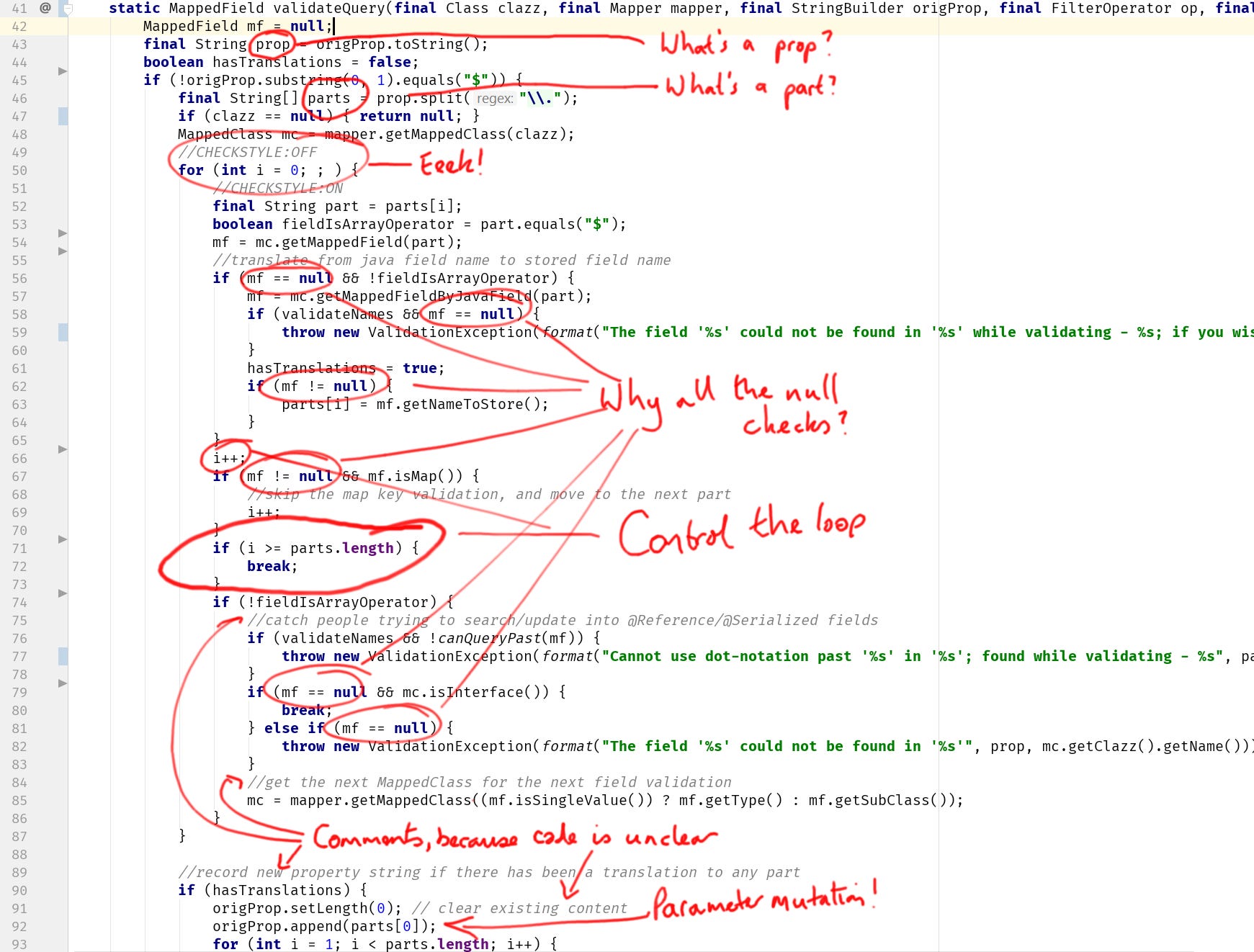
Code smells are not a sign of failure; they are opportunities for growth. By identifying these five patterns—Long Methods, Large Classes, Primitive Obsession, Data Clumps, and Shotgun Surgery—you can proactively refactor your code into a cleaner, more modular state.
Clean code isn’t just about looking good; it’s about making your software cheaper to change and easier to understand.
This isn't magic, and those are mostly caused by fast/agile development workflows that take almost no effort into design, or rather use design time to pick a new trending tool from the Netflix engineering blog and spend thousands of hours in infrastructure work for maintaining it. This might be because the code is too old and unmaintained. But, let's be honest here, which large code base is ever well-maintained unless you are working for something other than just money? This is the case of some large OSS projects. It's good to have it, and we should learn to avoid those in our daily lives. You will be lucky if you have the chance to include this in planning for the next chunk of work and leave your project in a better place than you found it.
When should these patterns be applied and when would it be premature optimization?