What is OpenClaw?
How this open-source "JARVIS" clone is moving beyond chatbots to autonomously manage your inbox, files, and browser 24/7

How a viral, open-source agent turned your messaging apps into a personal operating system—and why it’s terrifying security teams.
The era of the passive chatbot is ending. For the last few years, we’ve interacted with AI through a predictable loop: open a browser tab, type a prompt, wait for text, and then manually copy-paste the result to actually do something with it.
Enter OpenClaw (affectionately known as “Molty”).
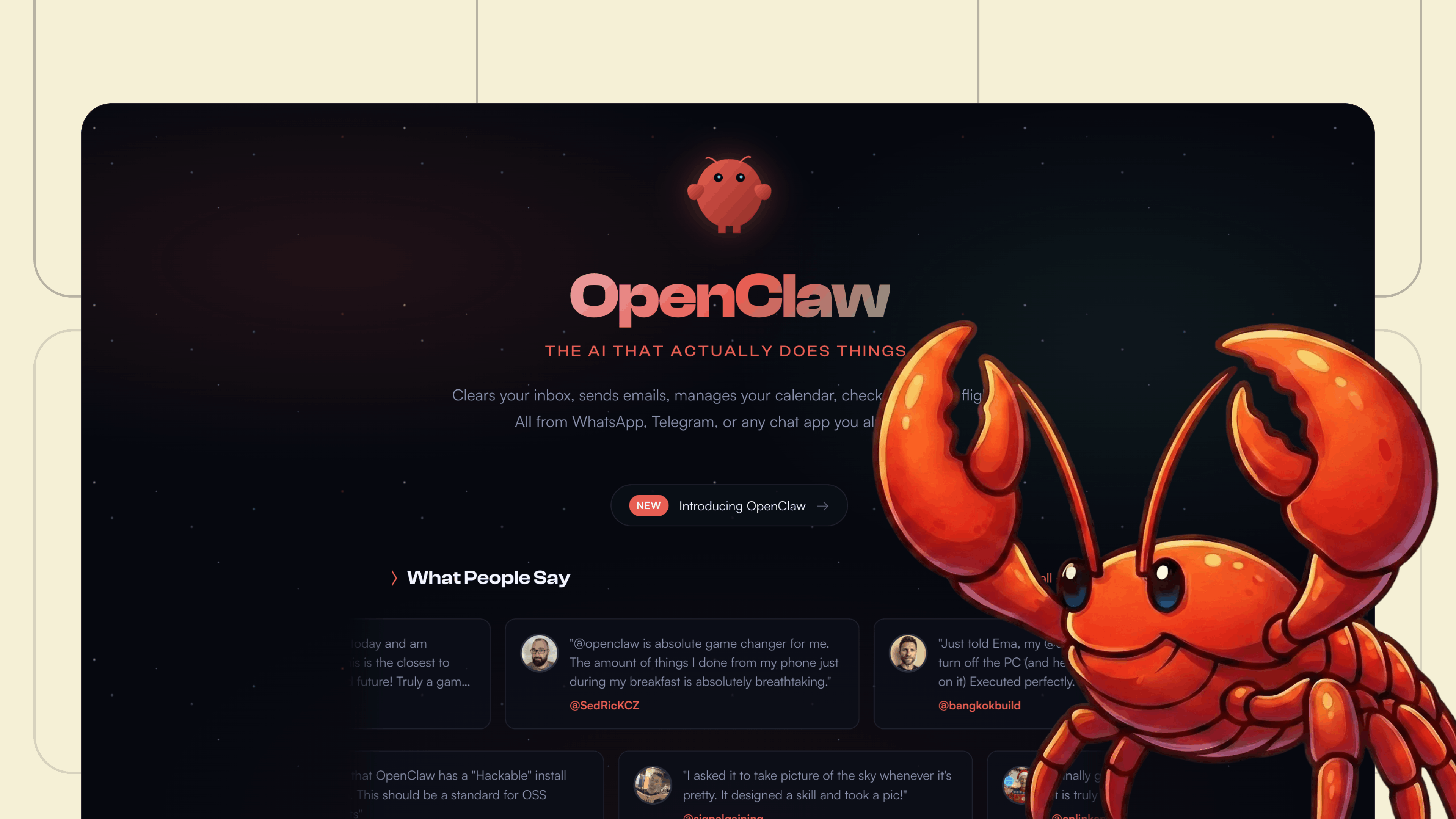
Created by Austrian developer Peter Steinberger and launched in late 2025, OpenClaw isn’t just another conversational wrapper. It is a highly autonomous, open-source AI agent that runs locally on your machine, integrating deeply with your filesystem, browser, and the messaging apps you already use. It doesn’t just draft emails; it reads your inbox, writes the reply, and hits send.
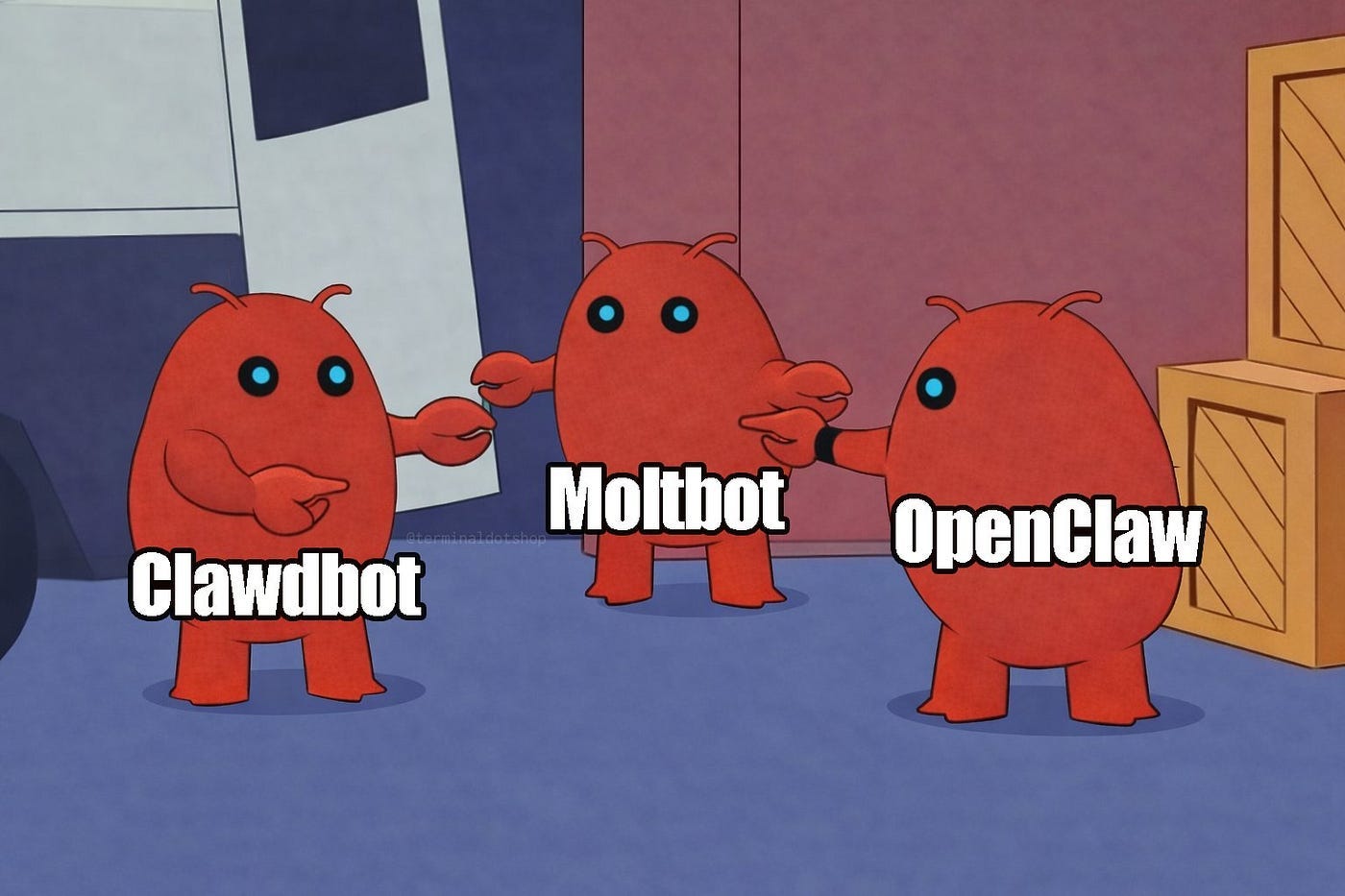
Let’s look under the hood at the architecture that drove OpenClaw to become one of the fastest-growing open-source projects in history—and why it recently resulted in OpenAI sponsoring the project and acquiring its creator.
1. The Core Engine: The Local Node.js Gateway

Note: Some alternatives like ZeroClaw are being developed in other languages (e.g., Rust) to bypass the Node.js dependency and its associated overhead, but the core OpenClaw project remains Node.js-based.
Unlike standard web-based AI platforms that live on remote corporate servers, OpenClaw runs natively on your hardware (Windows, Mac, or Linux) as a background Node.js service daemon.
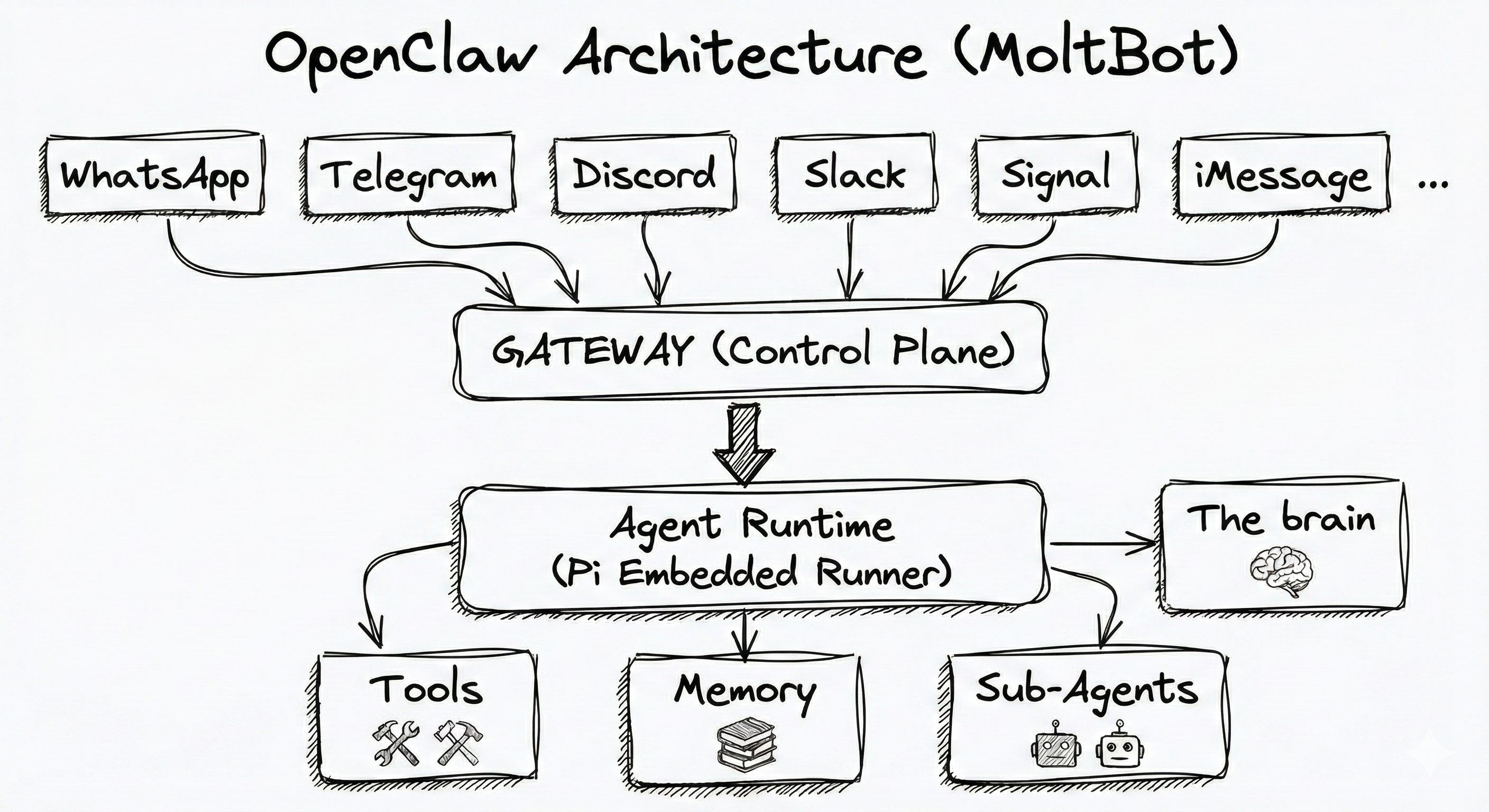
The Router: The Gateway acts as a central nervous system. It listens for inbound messages from your chat platforms and routes them to an LLM of your choice.
Model Agnostic: You aren’t locked into one provider. The Gateway can route complex reasoning tasks to cloud models via API (like Anthropic’s Claude 3.7 or OpenAI’s GPT-4o) or route highly sensitive local tasks to open-source models running entirely on your machine via Ollama or LM Studio.
Transparent Memory: Most AI companies treat your conversation history as training data locked in a black box. OpenClaw stores its persistent memory, context, and configurations locally as plain Markdown and YAML files in a
~/.openclawdirectory. You can inspect, edit, or back up your AI’s brain using standard Git workflows.
2. The Skill System: Executable Markdown
How does an LLM actually do things on your computer? OpenClaw relies on a modular, extensible framework called Skills.
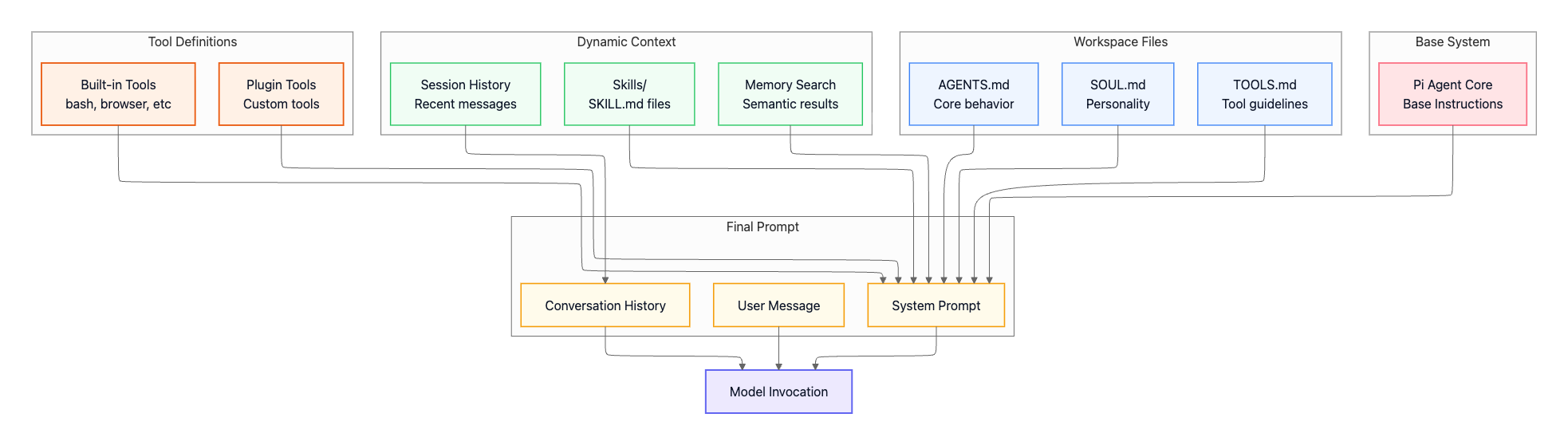
Instead of hardcoding complex integrations, OpenClaw uses a directory of SKILL.md files. Each file contains YAML frontmatter defining the tool’s metadata, followed by natural-language instructions and executable scripts (Python, Bash, Node).
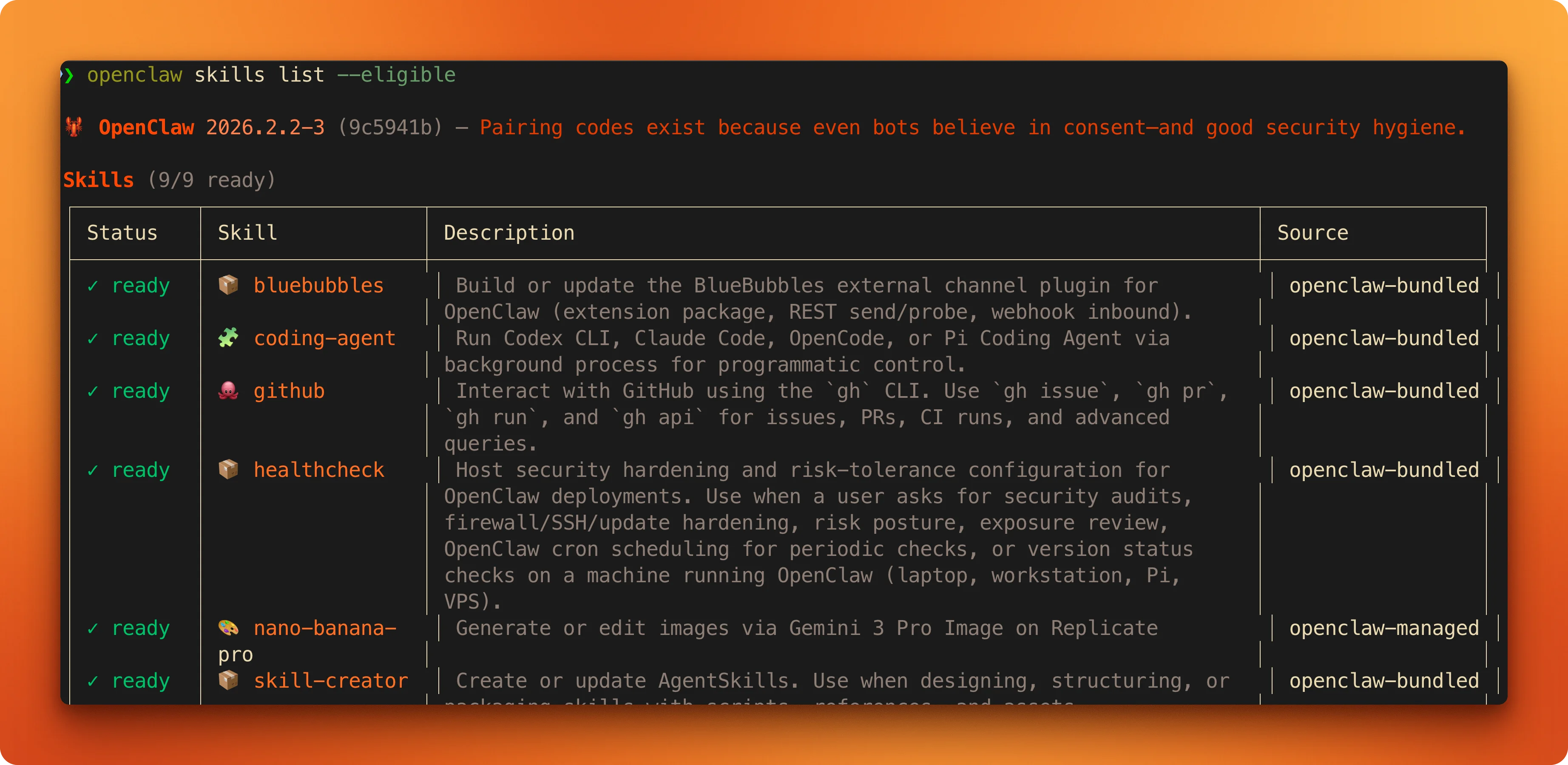
Browser Automation: A dedicated Chromium instance allows the agent to spin up a headless browser, navigate web pages, fill out forms, and scrape data natively.
Shell Execution: The agent can run terminal commands, execute scripts, and manipulate your filesystem directly.
Self-Writing Code: If OpenClaw encounters a task it doesn’t have a skill for, it can autonomously write the code for a new
SKILL.mdfile, save it to your local directory, and immediately use it. This self-improving loop is a core driver of its massive popularity.
𝐋𝐞𝐚𝐫𝐧 𝐭𝐨 𝐛𝐮𝐢𝐥𝐝 𝐆𝐢𝐭, 𝐃𝐨𝐜𝐤𝐞𝐫, 𝐑𝐞𝐝𝐢𝐬, 𝐇𝐓𝐓𝐏 𝐬𝐞𝐫𝐯𝐞𝐫𝐬, 𝐚𝐧𝐝 𝐜𝐨𝐦𝐩𝐢𝐥𝐞𝐫𝐬, 𝐟𝐫𝐨𝐦 𝐬𝐜𝐫𝐚𝐭𝐜𝐡. Get 40% OFF CodeCrafters: https://app.codecrafters.io/join?via=the-coding-gopher
3. The User Interface: Your Messaging Apps
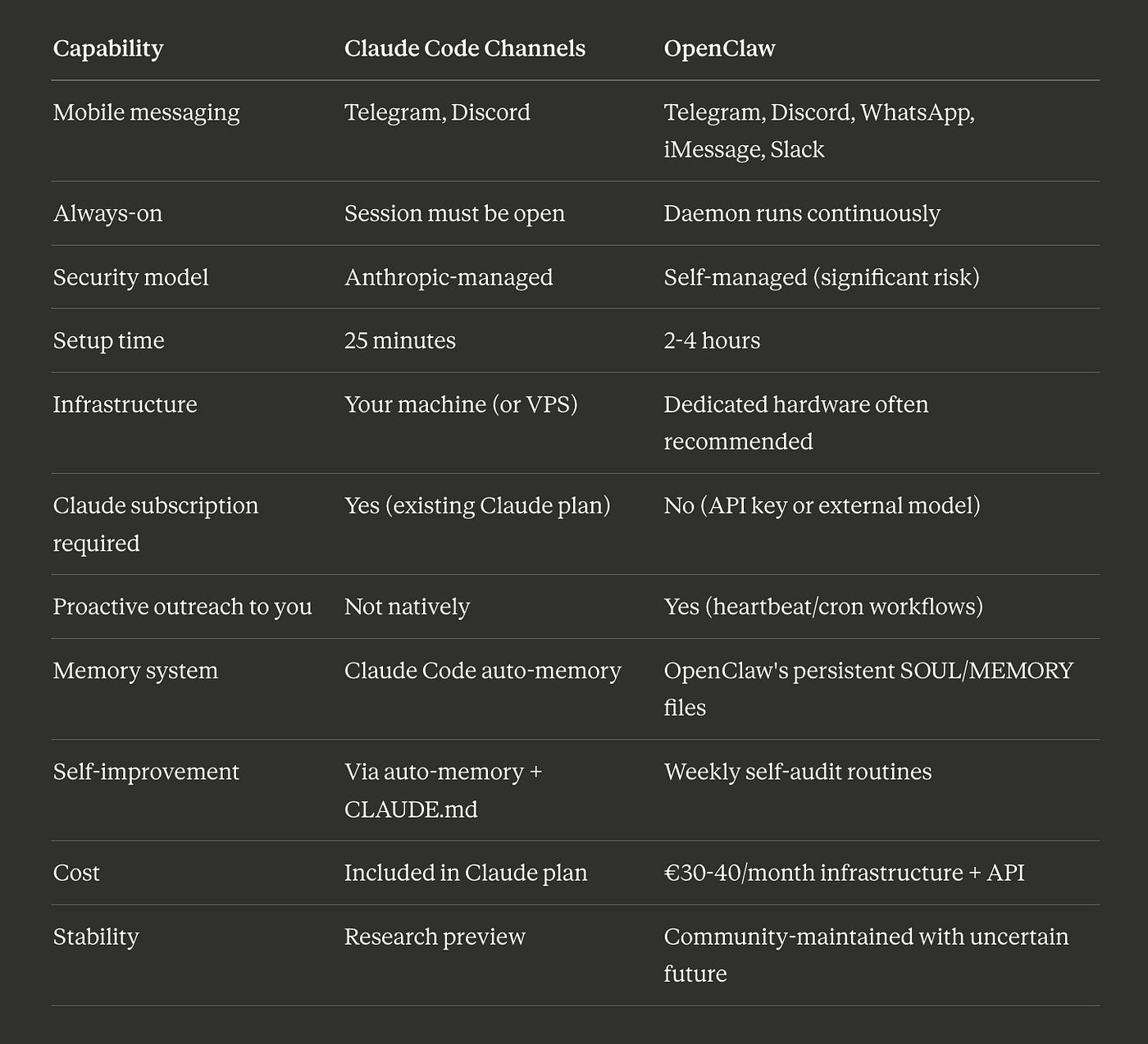
Perhaps the most brilliant architectural choice of OpenClaw is that it has almost no UI. There is a web dashboard for configuration, but the primary interface is the messaging app you already have in your pocket.
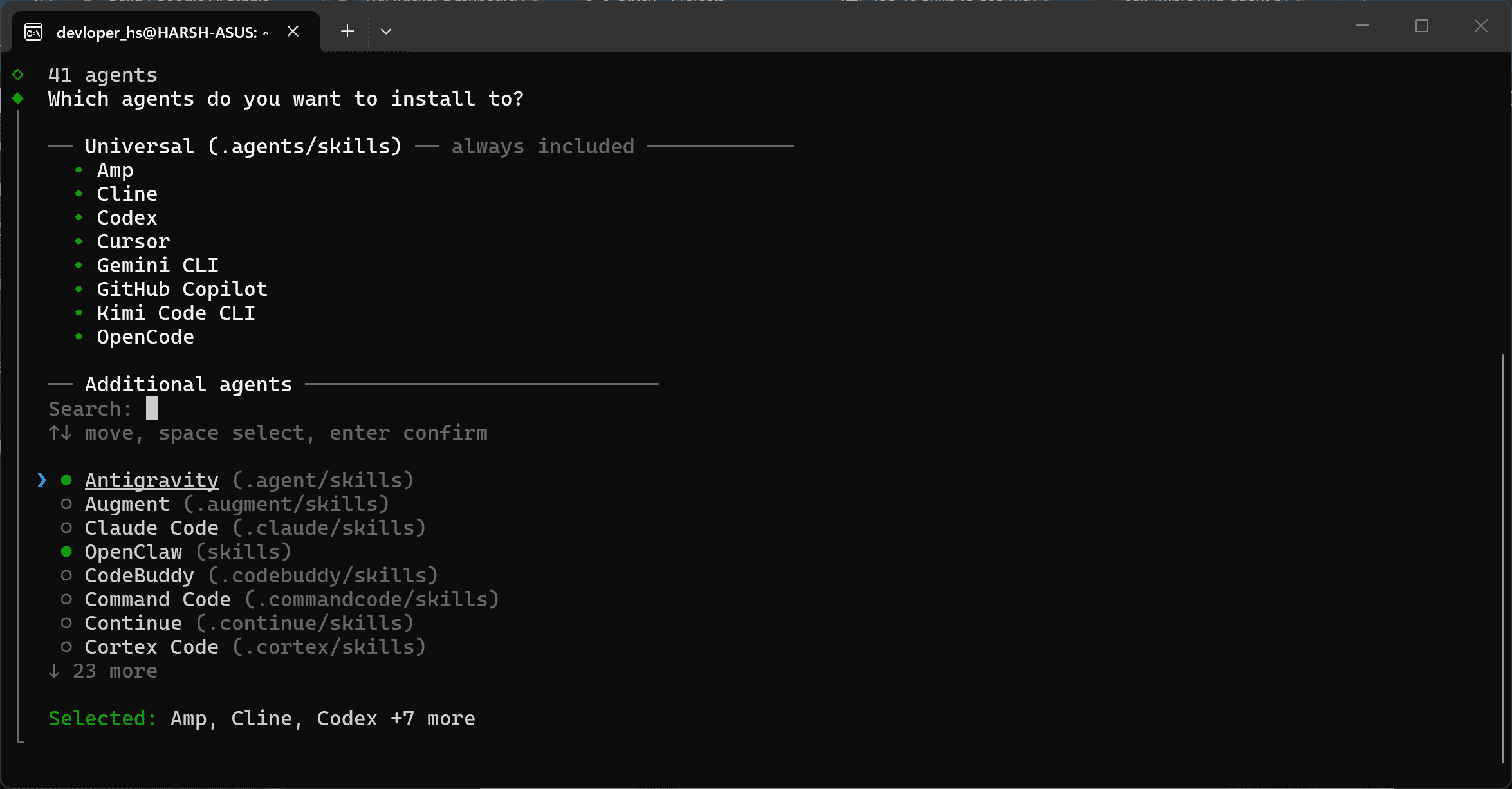
By integrating with the APIs of WhatsApp, Telegram, Signal, iMessage, and Discord, OpenClaw turns your chat feed into a command line. You can text your bot from a coffee shop to “summarize the PDF in my downloads folder and email the summary to my team,” and the local Gateway running on your home machine will execute the workflow.
4. The Security Nightmare: Autonomy vs. Vulnerability
Giving an AI agent read/write access to your filesystem, email, and web browser is inherently dangerous. Cybersecurity researchers and IT departments are currently sounding the alarm over OpenClaw deployments, leading to restrictions by enterprise organizations and even government entities.
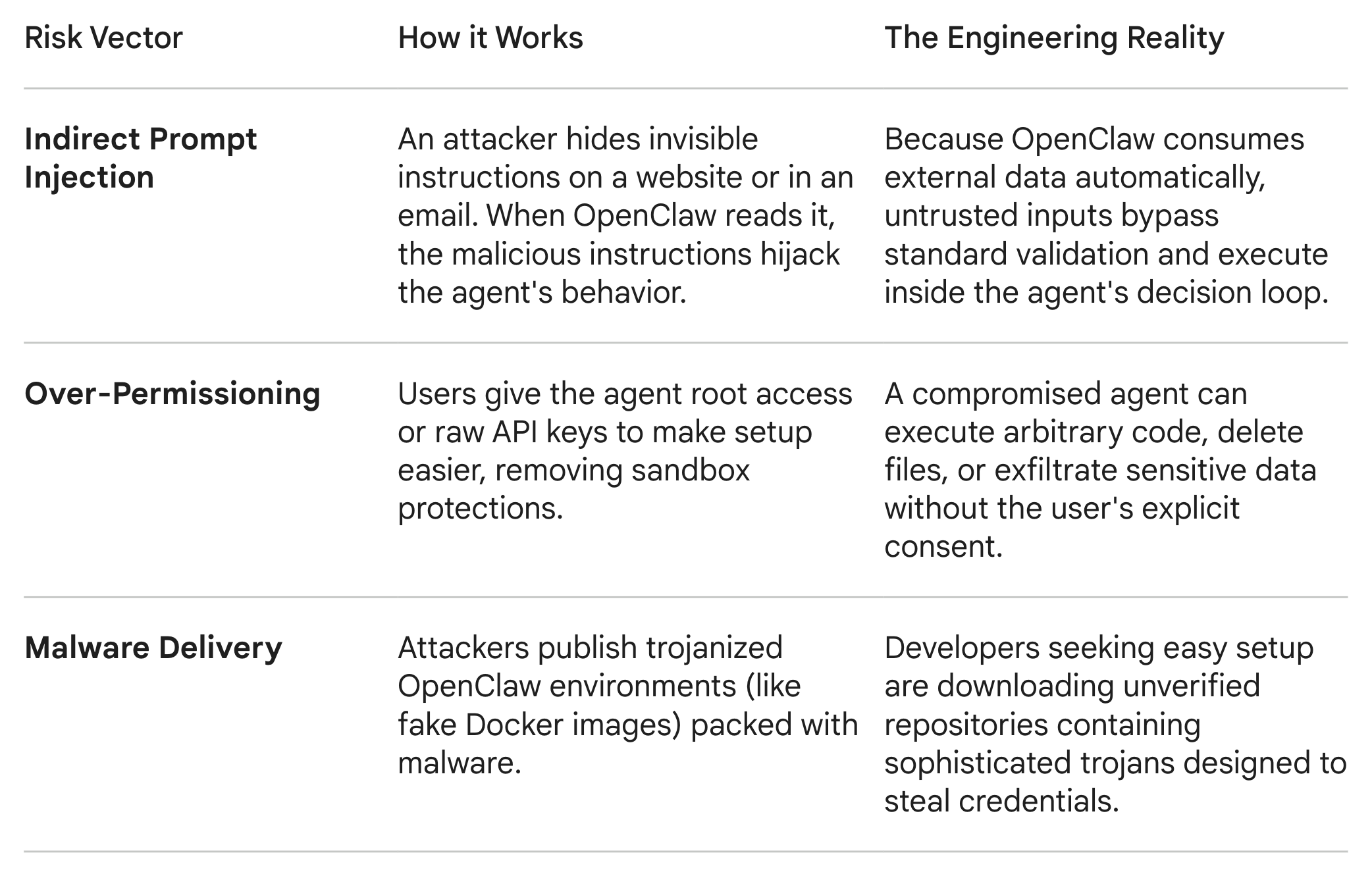
To mitigate these risks, OpenClaw uses an exec approval policy. High-risk actions (like deleting a file or sending an email) trigger a prompt in your chat app requiring you to explicitly type an approval code before the Gateway executes the action. However, users frequently disable these guardrails to achieve true autonomy, severely increasing their attack surface.
The Verdict
OpenClaw represents a tectonic shift in the industry: moving from models that talk to agents that act. As the project transitions to an independent foundation backed by OpenAI, the core engineering challenge moving forward is no longer making the AI smarter; it is building the rigorous, sandboxed infrastructure required to let an AI operate your computer without accidentally compromising it.